Start with the care label and the artwork
Before reaching for an iron or steamer, read the garment’s care label. Its temperature and ironing symbols are your starting point, even if the shirt feels like cotton. Blends, stretch fibres and decorative finishes may need gentler handling than the main fabric suggests. If the label says not to iron, do not assume that turning the shirt inside out makes ironing safe. You can try hanging it neatly to release light creases instead.
Look at how the design sits on the fabric. A flat printed image, a raised ink finish, a heat-applied graphic and embroidery can respond differently to pressure and heat. You may not know which method was used, so treat the artwork as heat-sensitive. An iron placed directly on a print can leave marks, change its texture or cause it to stick to the iron. The aim is to smooth the fabric while keeping heat, pressure and moisture away from the design as much as possible.
Prepare the shirt for gentle ironing
Use a clean ironing board or another firm, heat-safe surface. Empty the iron of old water if its instructions call for it, and make sure the soleplate is clean. Set the temperature no higher than the garment label permits; when in doubt, begin lower and test a small, inconspicuous area. Let the iron reach the chosen setting before you start so you are not tempted to hold it in one spot for longer.
Turn the T-shirt inside out and lay it flat without stretching it. Place a plain, clean cotton pressing cloth between the shirt and the iron wherever you need to work near the graphic. A lightweight cloth lets you see where the design is while providing a barrier. It does not make high heat or prolonged pressure harmless: warmth can still reach a print through the fabric. Keep the shirt’s layers arranged so the artwork is not pressed hard against itself or a textured board cover.
Iron the fabric around the print
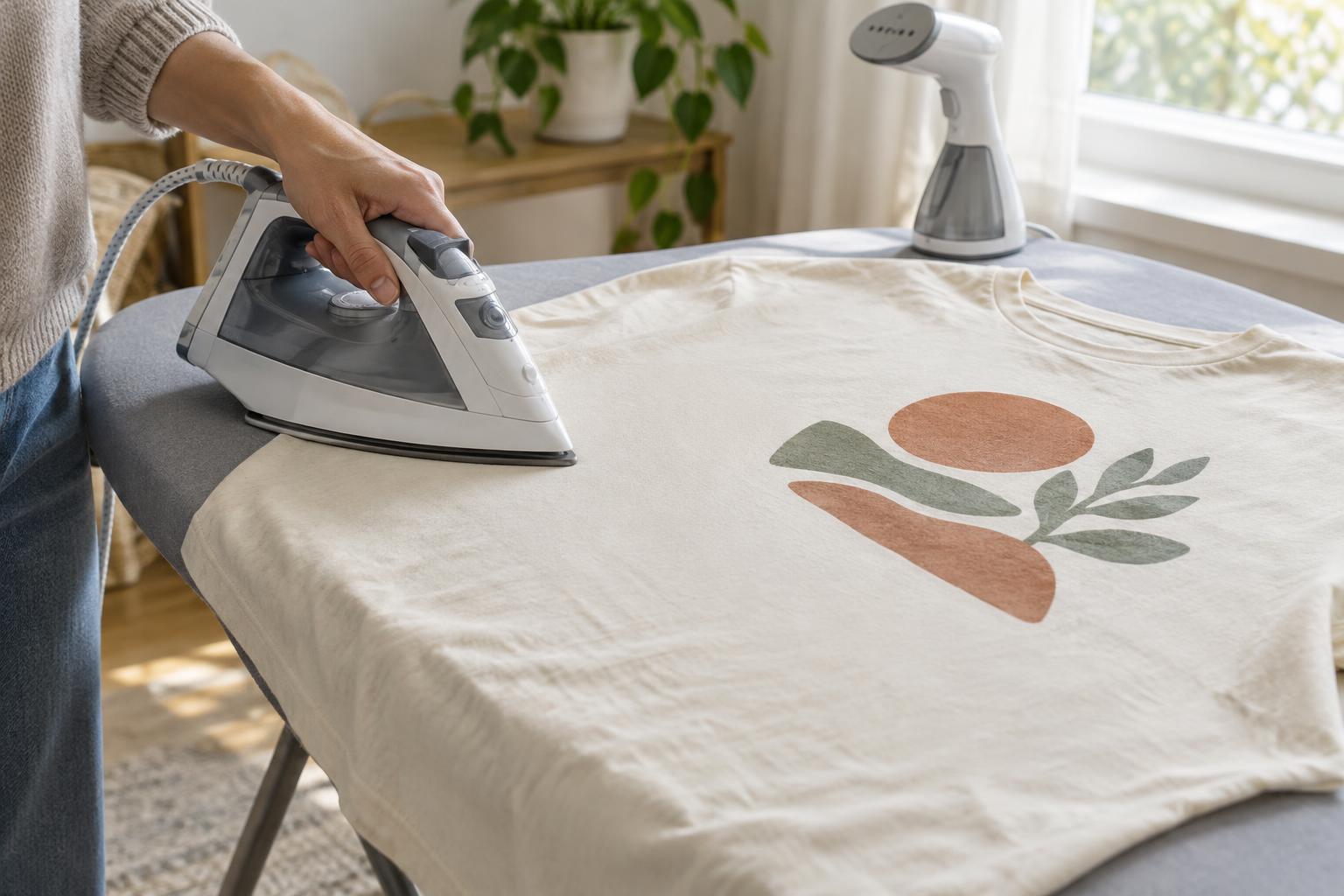
Begin with areas that are clear of artwork, such as the sleeves, shoulders or lower hem. Smooth each area by hand, then make brief, light passes with the iron. Lift and reposition it rather than pushing wrinkles into the print. Do not leave the iron resting on the shirt while you adjust another part of the garment.
For creases close to the design, work from the inside of the shirt with the pressing cloth in place and use minimal pressure. Avoid lingering over the back of the printed area, especially if the artwork feels thick or rubbery. If a stubborn crease runs through the graphic, it is better to leave a slight wrinkle than to force it flat with heat. When you finish, hang the shirt or lay it flat until it cools; folding it immediately can set new creases.
Use a steamer without soaking the design
Steaming can help relax wrinkles without the direct pressure of an iron, provided the care label allows it and the garment tolerates moisture. Hang the T-shirt on a sturdy hanger with space around it. Keep the steamer head a short distance from the fabric, following the appliance instructions, and start on an inconspicuous area. Move in gentle passes rather than holding the nozzle against one spot.
Work mainly on the unprinted fabric and let steam pass lightly near the artwork instead of directing a concentrated jet at it. Avoid pulling on a warm print to straighten it. Take extra care with raised, heat-applied or embellished designs, whose edges and surfaces may be more vulnerable to heat. Give the shirt time to dry completely before wearing, folding or storing it.
Keep everyday wrinkles from becoming a bigger job
A few habits can reduce how often a printed T-shirt needs heat. After washing, gently reshape it while damp and hang it or lay it flat to dry as the care label directs. Remove it promptly from the dryer if tumble drying is permitted, and avoid leaving it crumpled in a basket. Store it folded loosely or on a hanger that supports the shoulders without stretching them.
If you are unsure about a particular print, choose the least aggressive option first: smooth the shirt by hand, hang it for a while, then consider cautious steaming or low-temperature ironing around the artwork. A perfectly flat graphic is rarely worth risking damage to a favourite T-shirt.